How to Use GoGoSpark (Beta) in GoGo Host App
%20in%20GoGo%20Host%20App.jpg)
Overview
GoGoSpark is an AI-powered assistant designed to help Distribution Partners (DPs) operate, grow, and troubleshoot their ChargerGoGo business. This guide explains how to ask GoGoSpark questions effectively so you get accurate, actionable answers when:
- Finding and qualifying new locations using Google search
- Setting up and activating stations
- Troubleshooting station issues
- Handling venue objections
- Understanding payouts and revenue
General Prompting Principles for GoGoSpark
GoGoSpark works best when requests are clear, specific, and grounded in real situations. Treat it like an experienced operations teammate—not a search engine.
1. Clearly State What You’re Trying to Do
Start with your goal.
Good examples:
- “Help me find new venues that would be a good fit for ChargerGoGo.”
- “I need to troubleshoot a station that is offline.”
- “Help me explain payouts to a venue owner.”
You also use the predefined question buttons to start the chat for a shortcut.

Avoid vague requests like:
- “Help me with stations.”
- “What should I do?”
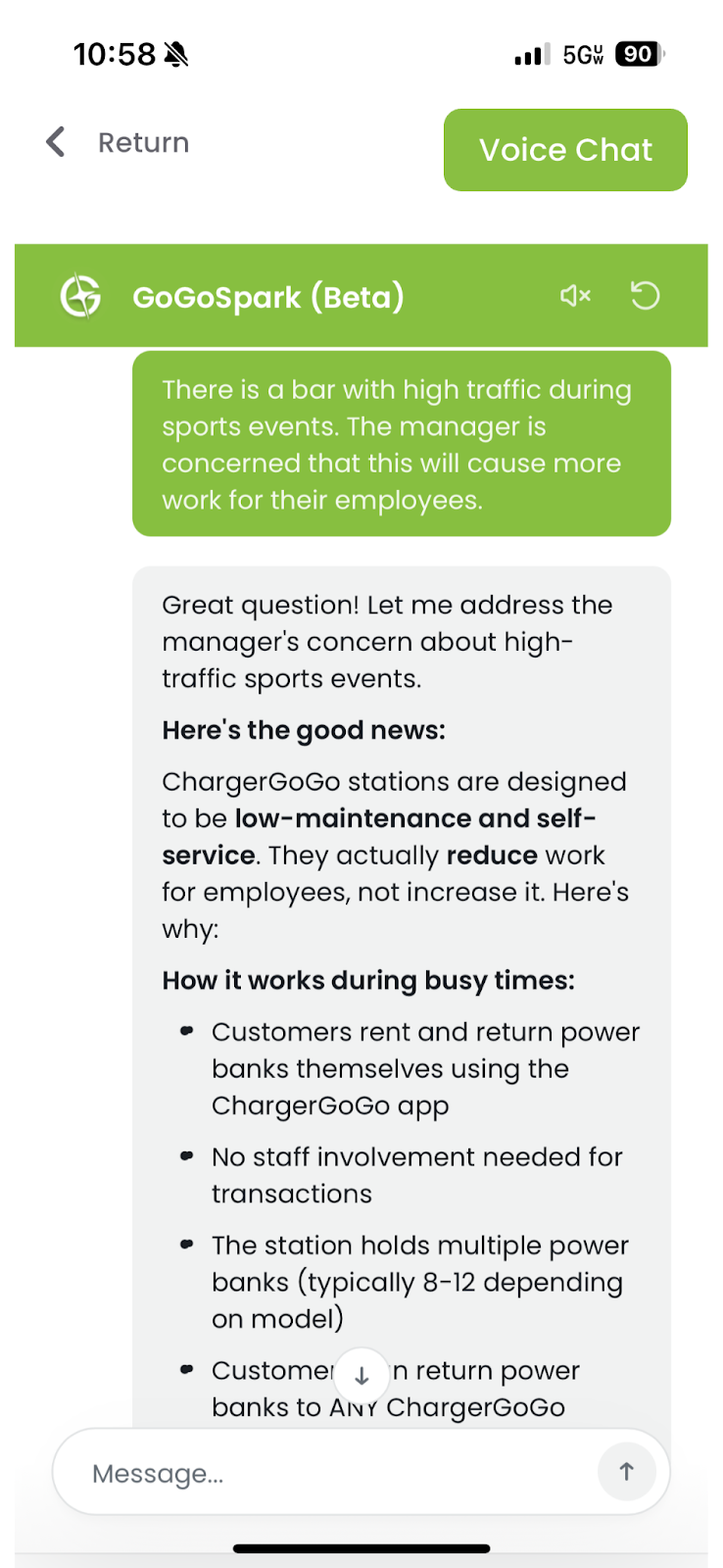
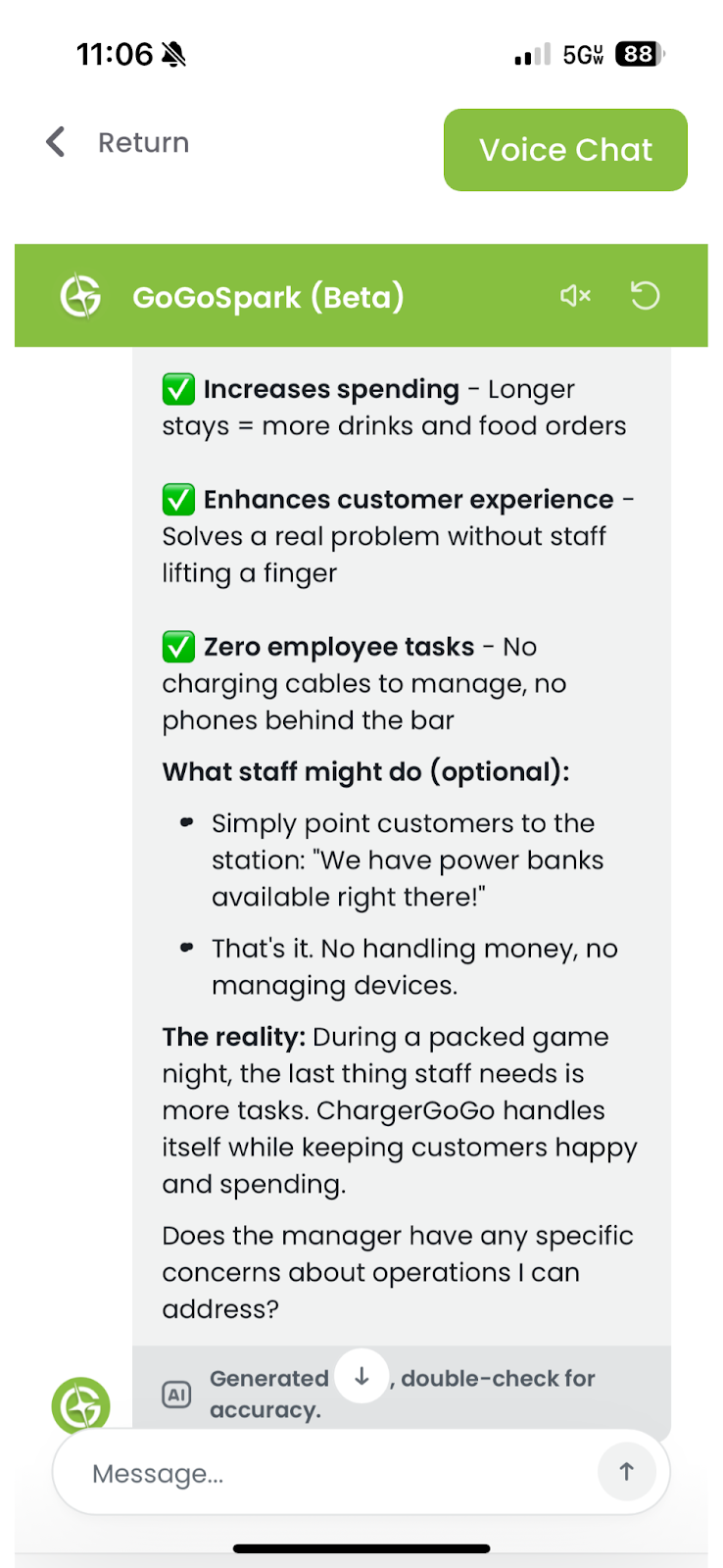
2. Provide the Situation or Context
Context helps GoGoSpark give precise guidance.
Include:
- Venue type (bar, restaurant, gym, event, etc.)
- Location or environment (busy hours, foot traffic)
- What has already been tried
- Who you’re talking to (venue owner, manager, staff)
Example:
“This is a bar with high weekend traffic. The owner is concerned about space and revenue share.”
3. Ask GoGoSpark to Act in a Specific Role
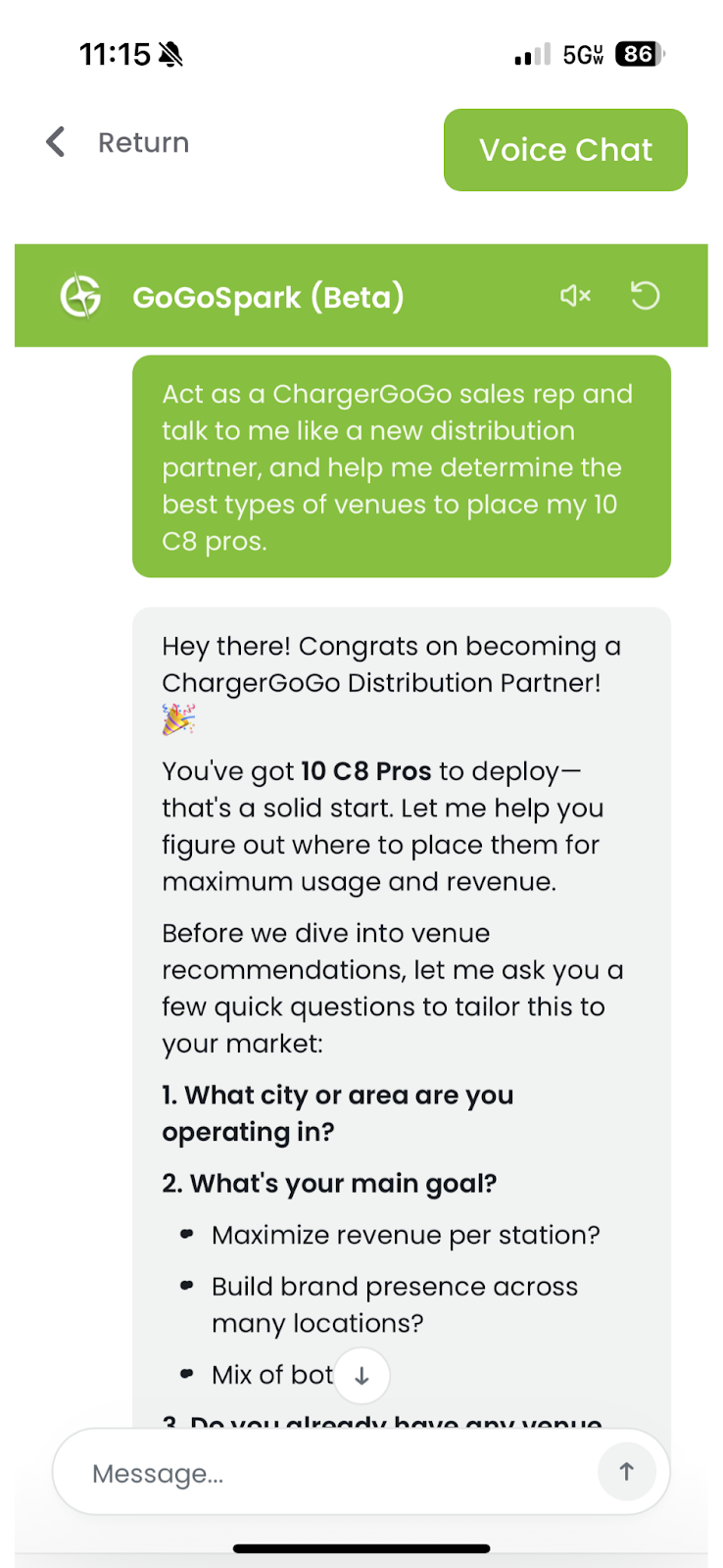
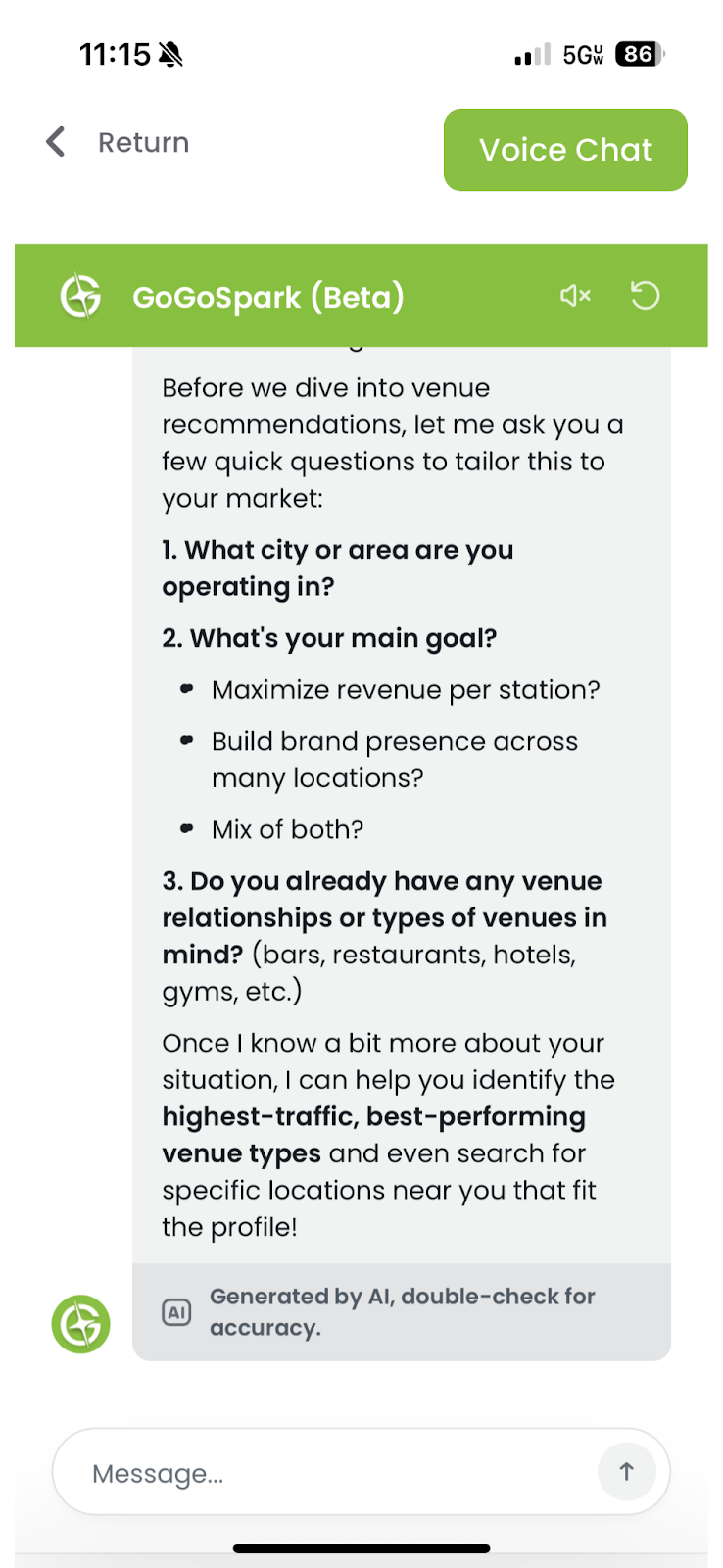
This helps tailor the response.
Common roles to use:
- “Act as a ChargerGoGo operations specialist.”
- “Respond like a sales rep talking to a venue owner.”
- “Explain this like I’m a first-time DP.”
Example:
“Act as a ChargerGoGo sales rep and help me respond to a venue objection.”
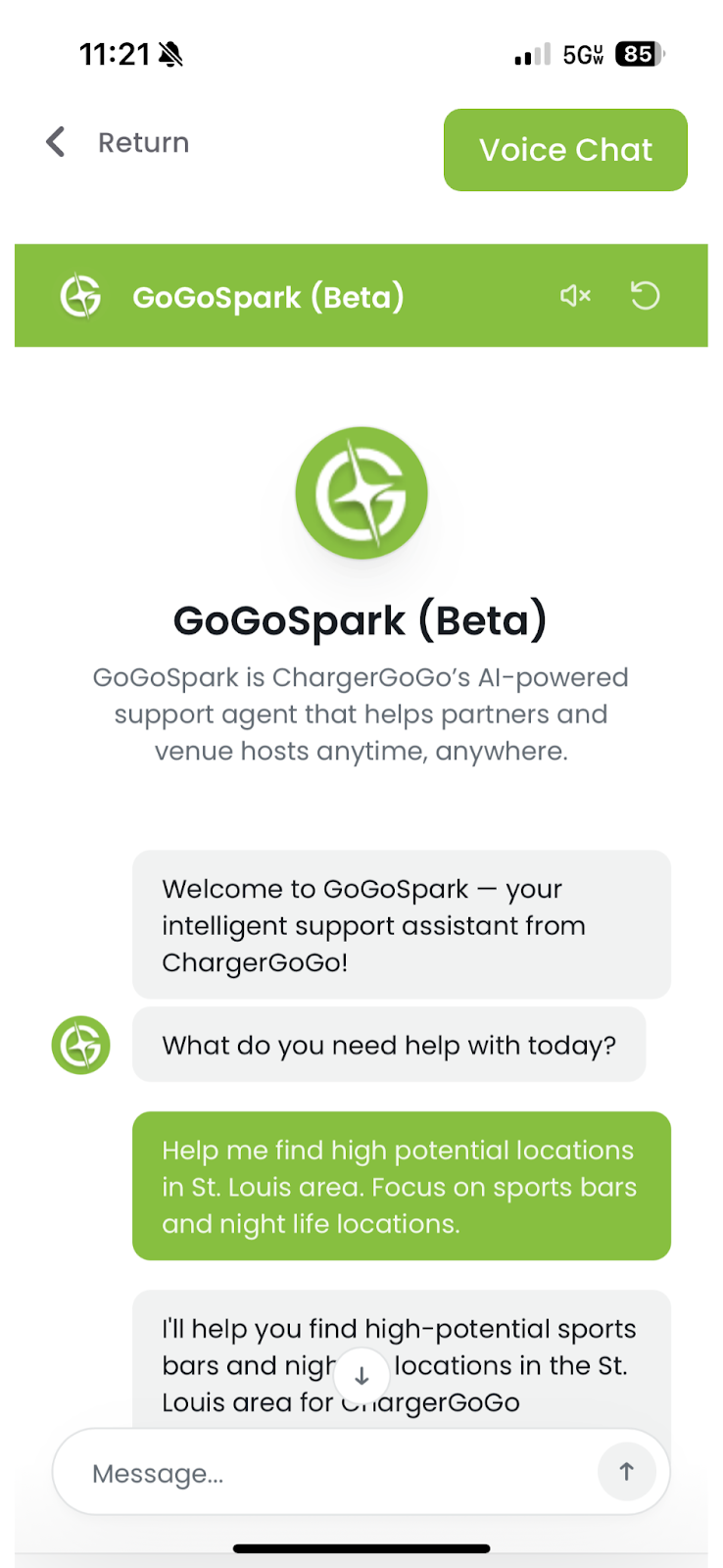
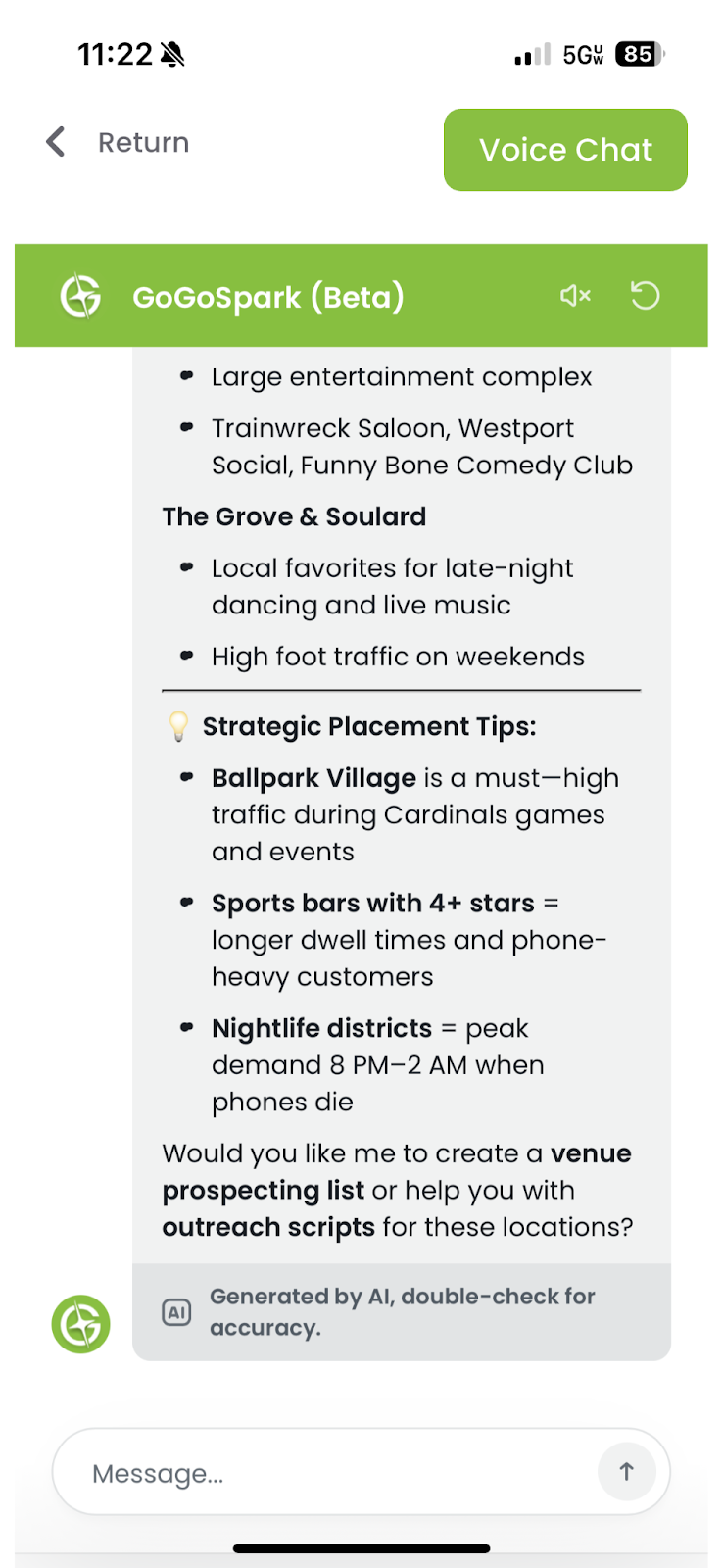
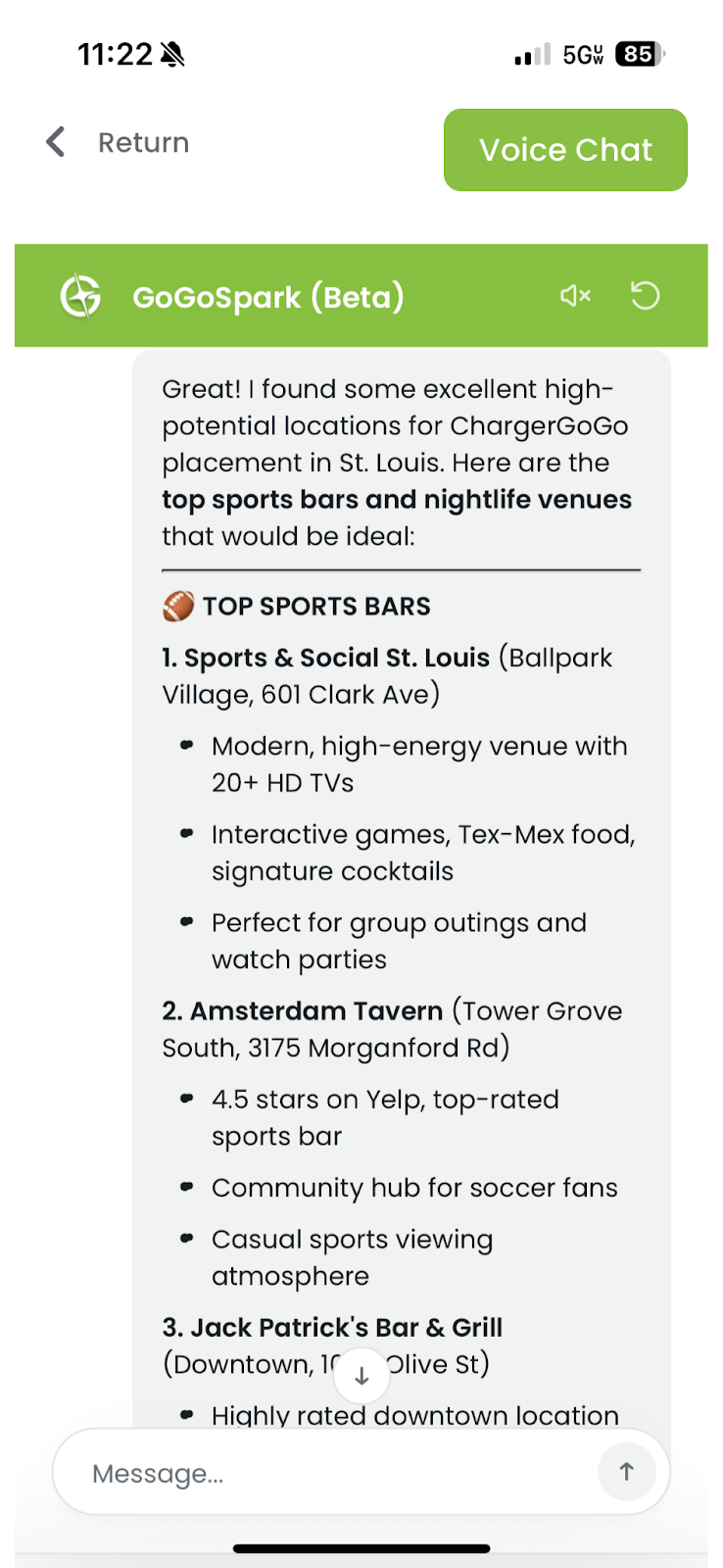
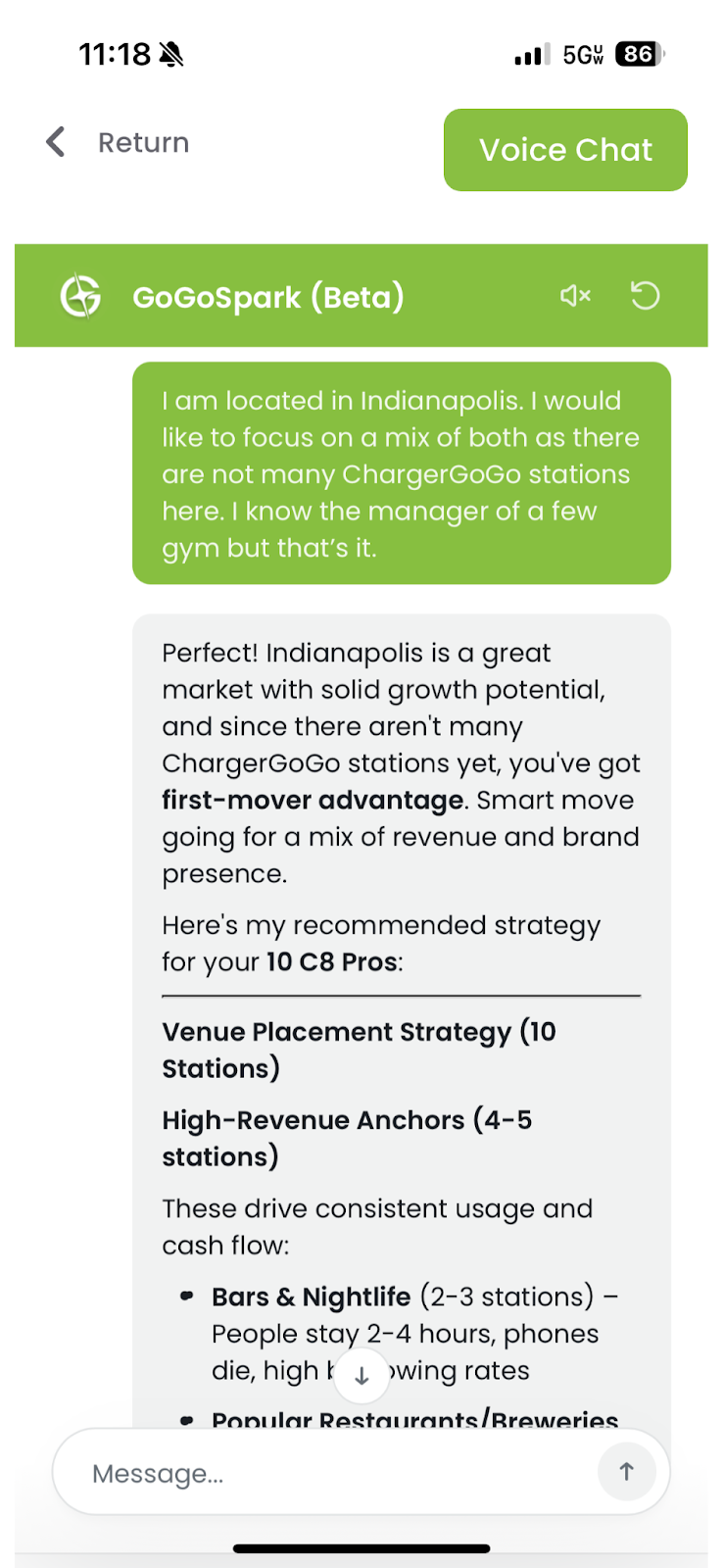
4. Be Specific When Finding New Locations
When asking about location scouting, include details.
Helpful inputs:
- City or Zipcode
- Venue category
- Foot traffic level
- Whether it’s owner-operated or franchise
Example:
“Help me find high-potential locations for ChargerGoGo in downtown Austin. Focus on bars and casual dining.”
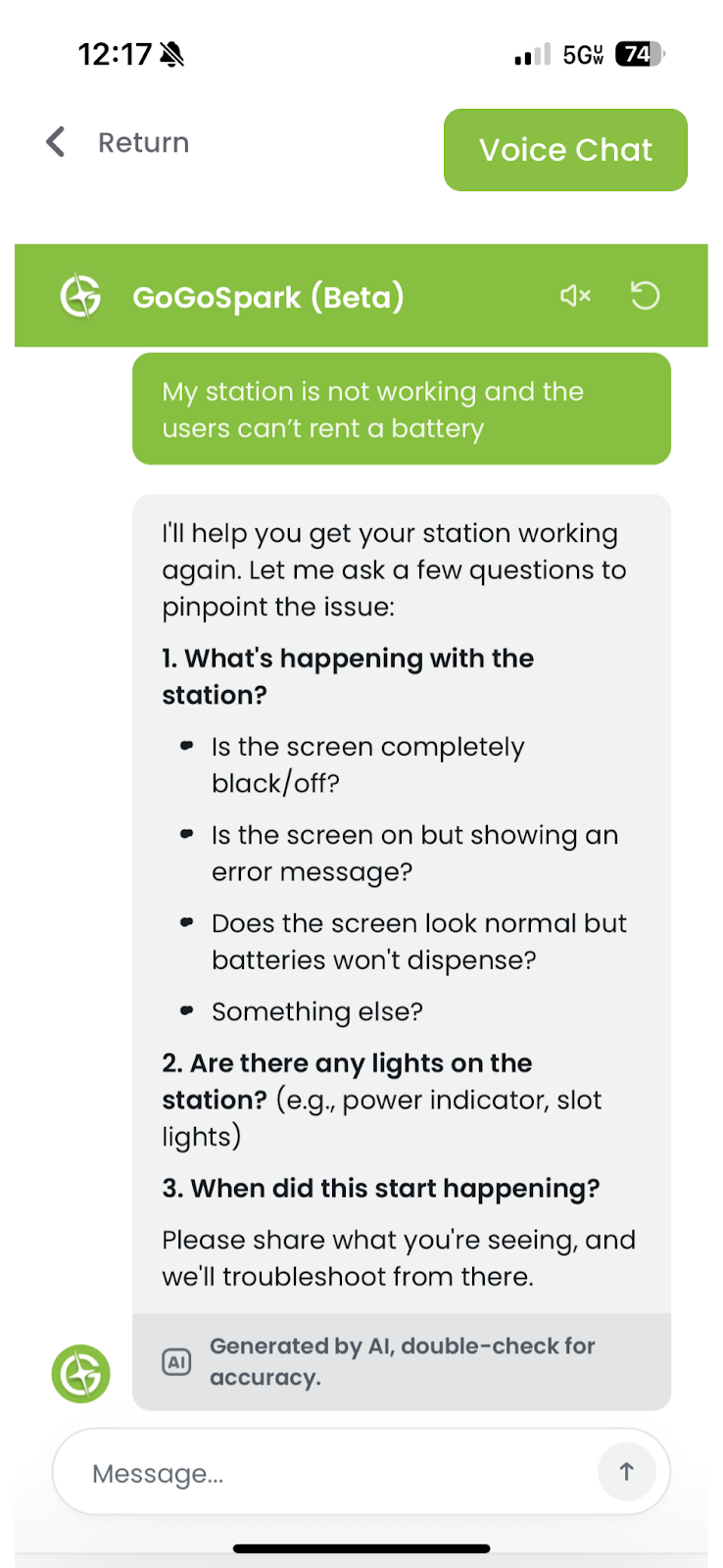
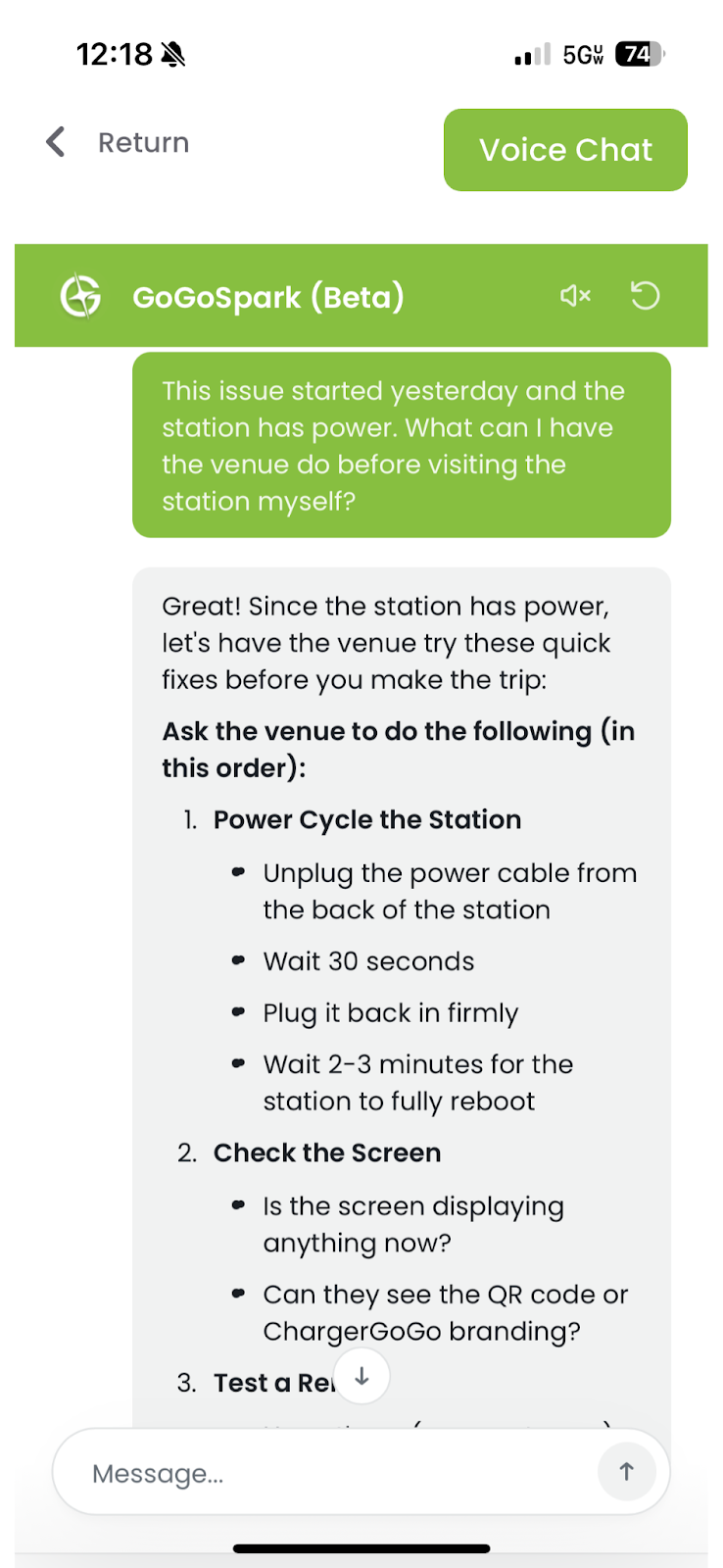
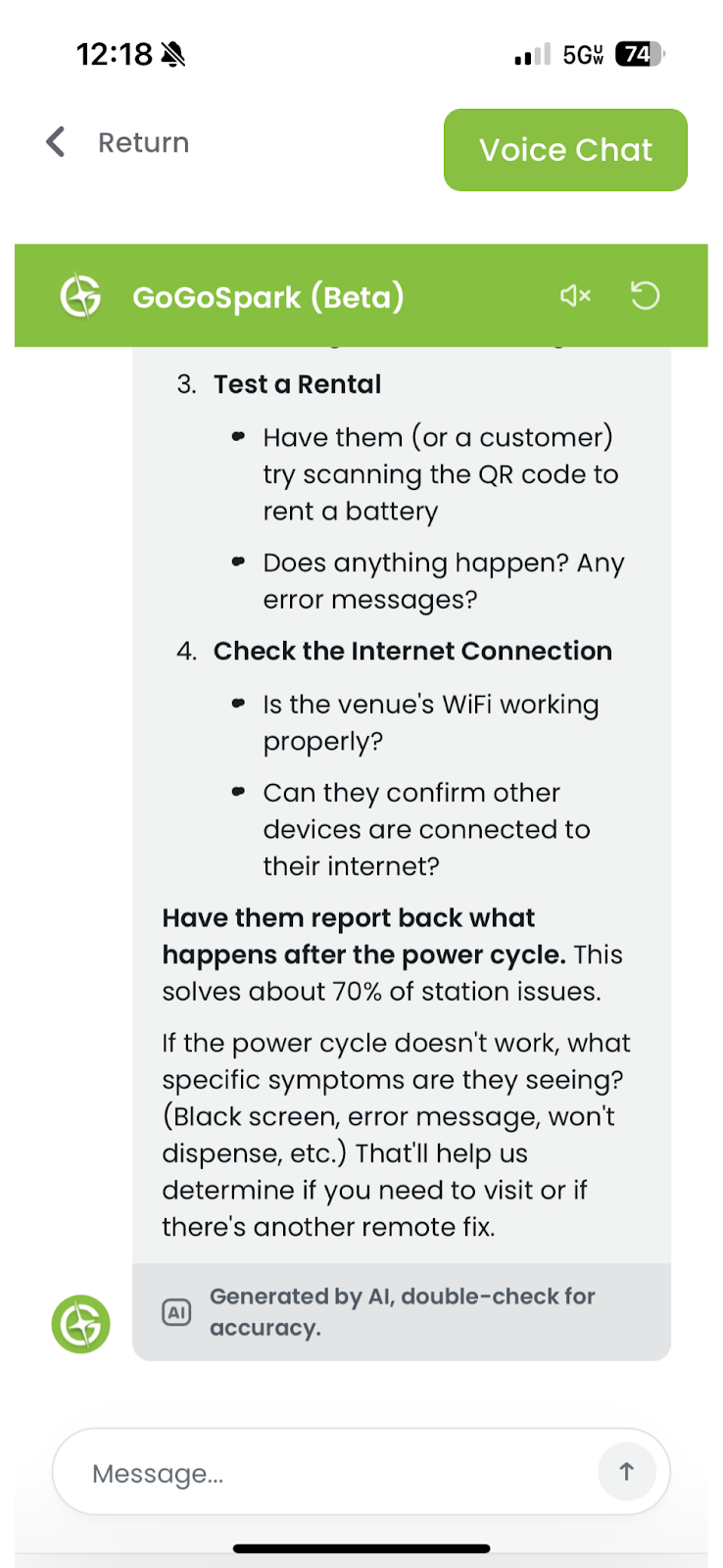
5. Be Precise When Troubleshooting Stations
For technical or operational issues, always include symptoms.
Include:
- What the station is doing (offline, not charging, screen blank, etc.)
- When the issue started
- Whether the station has power and internet
- Any error messages or indicators
Example:
“The station is powered on but shows offline in the app. This started today. What should I check first?”
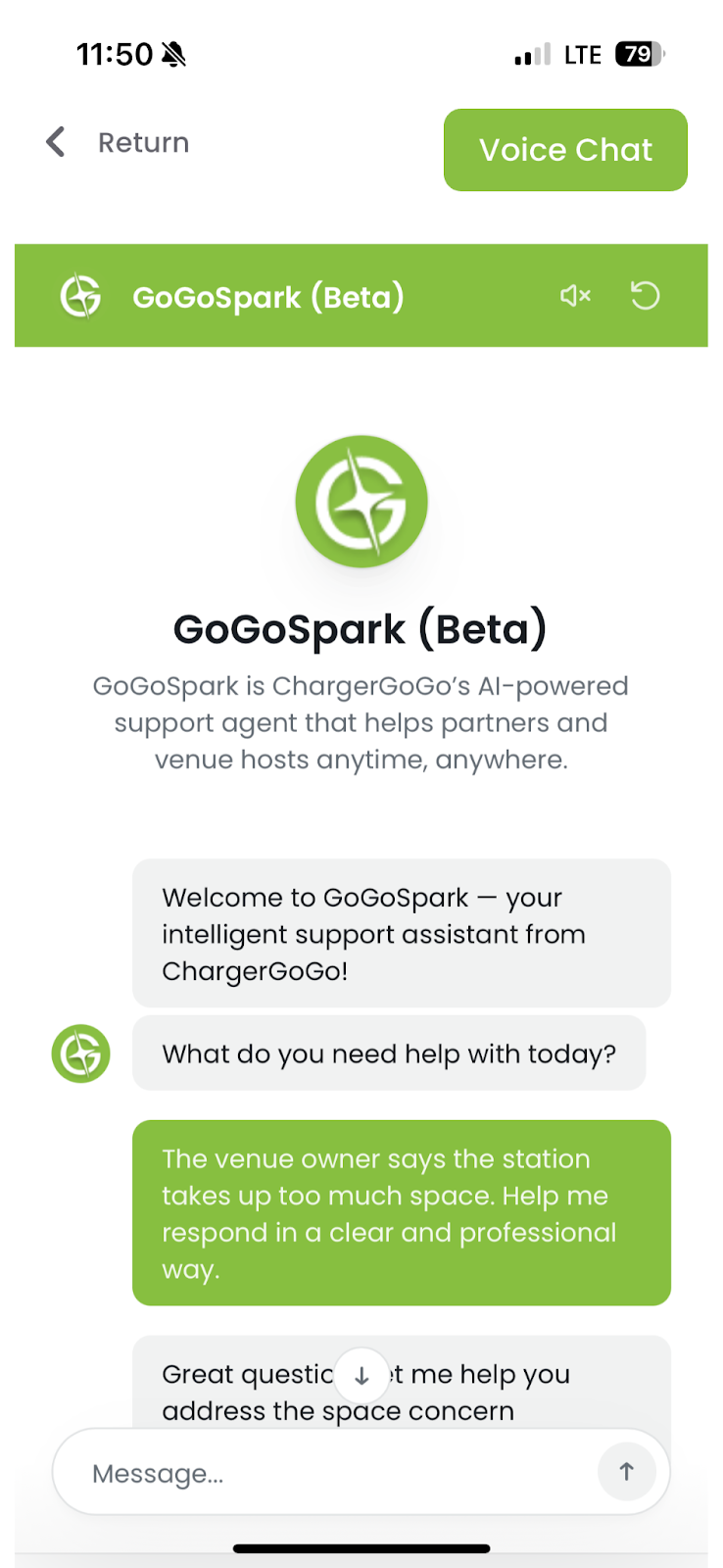
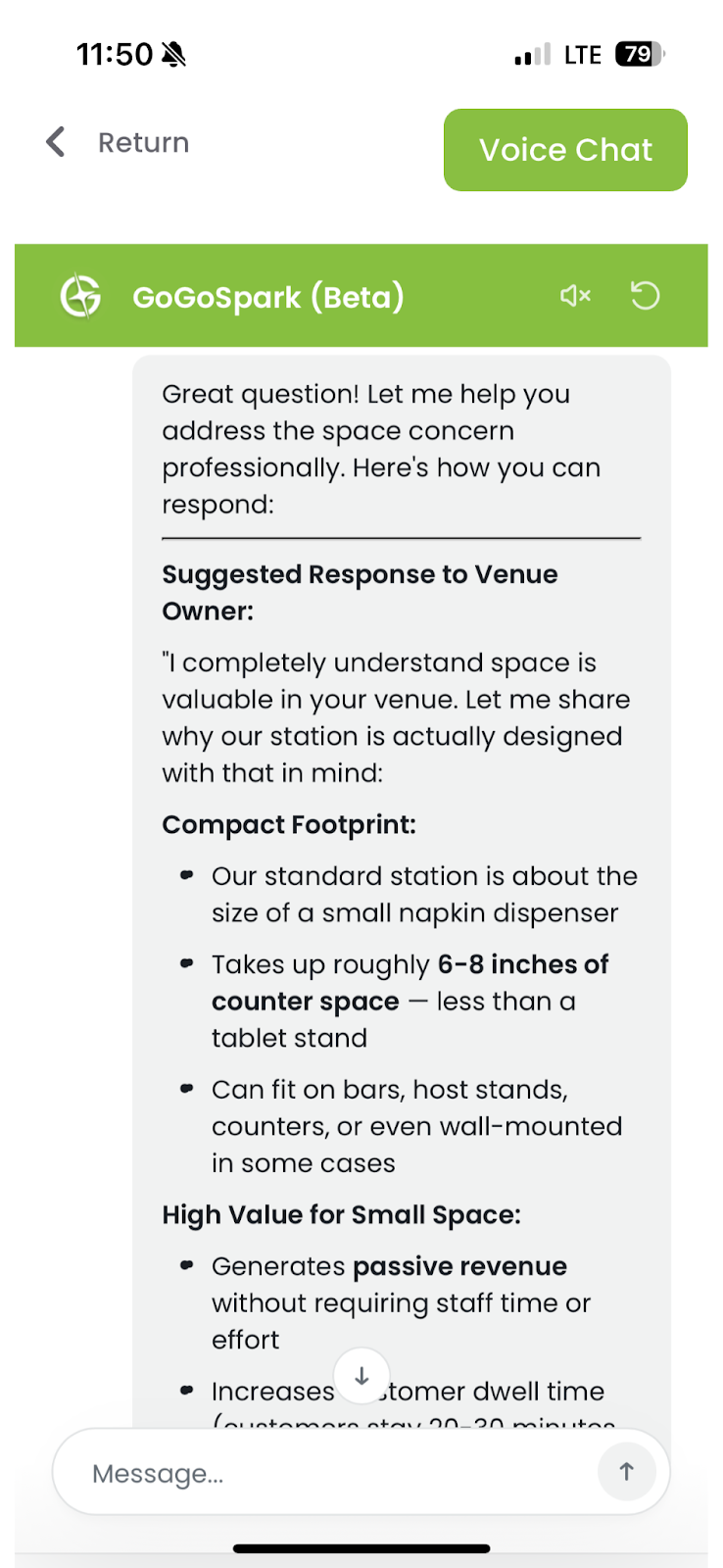
6. Use GoGoSpark to Overcome Venue Objections
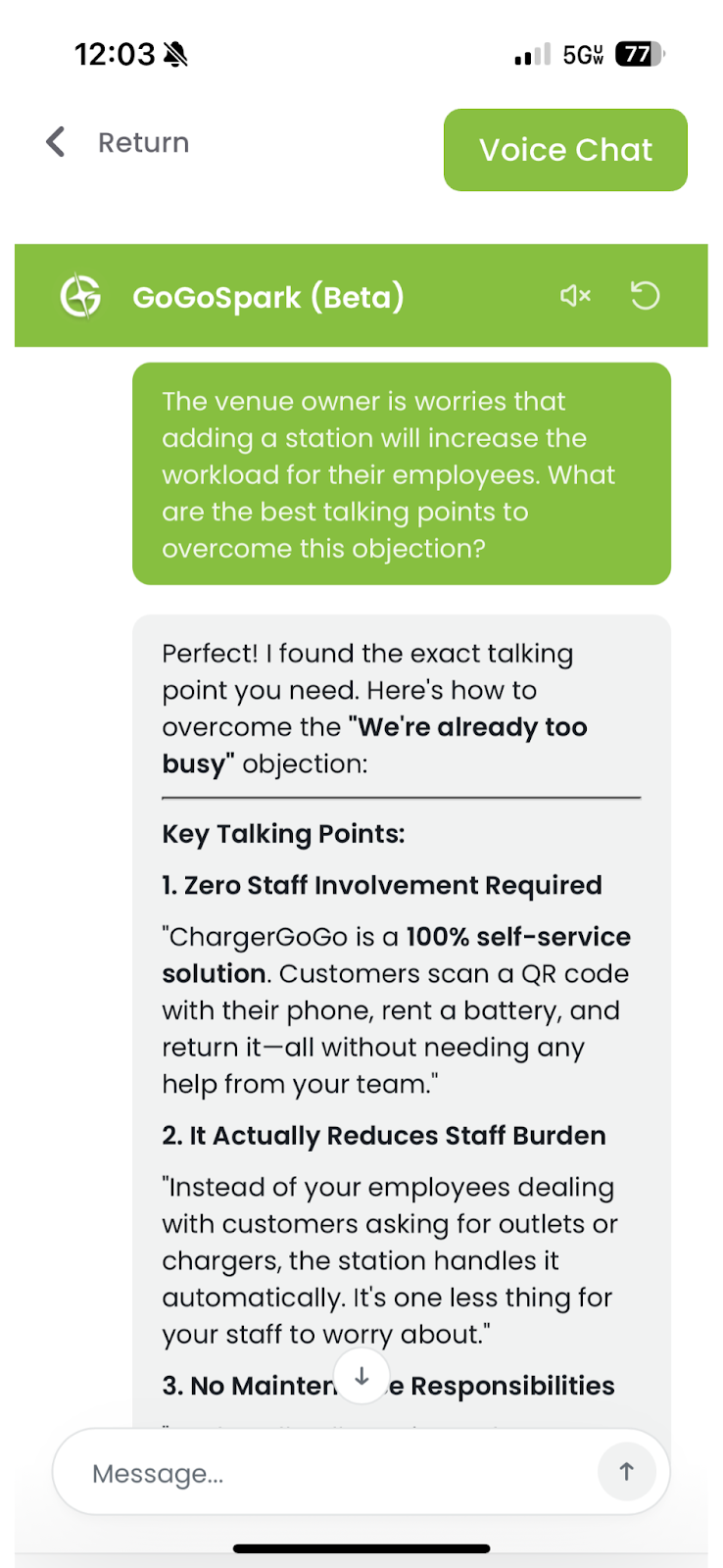
When handling objections, tell GoGoSpark exactly what the venue is worried about.
Common objections:
- Takes up space
- Not enough traffic
- Staff workload
- Power or liability concerns
Example:
“The venue owner says the station takes up too much space. Help me respond clearly and professionally.”
7. Ask Clear Questions About Payouts
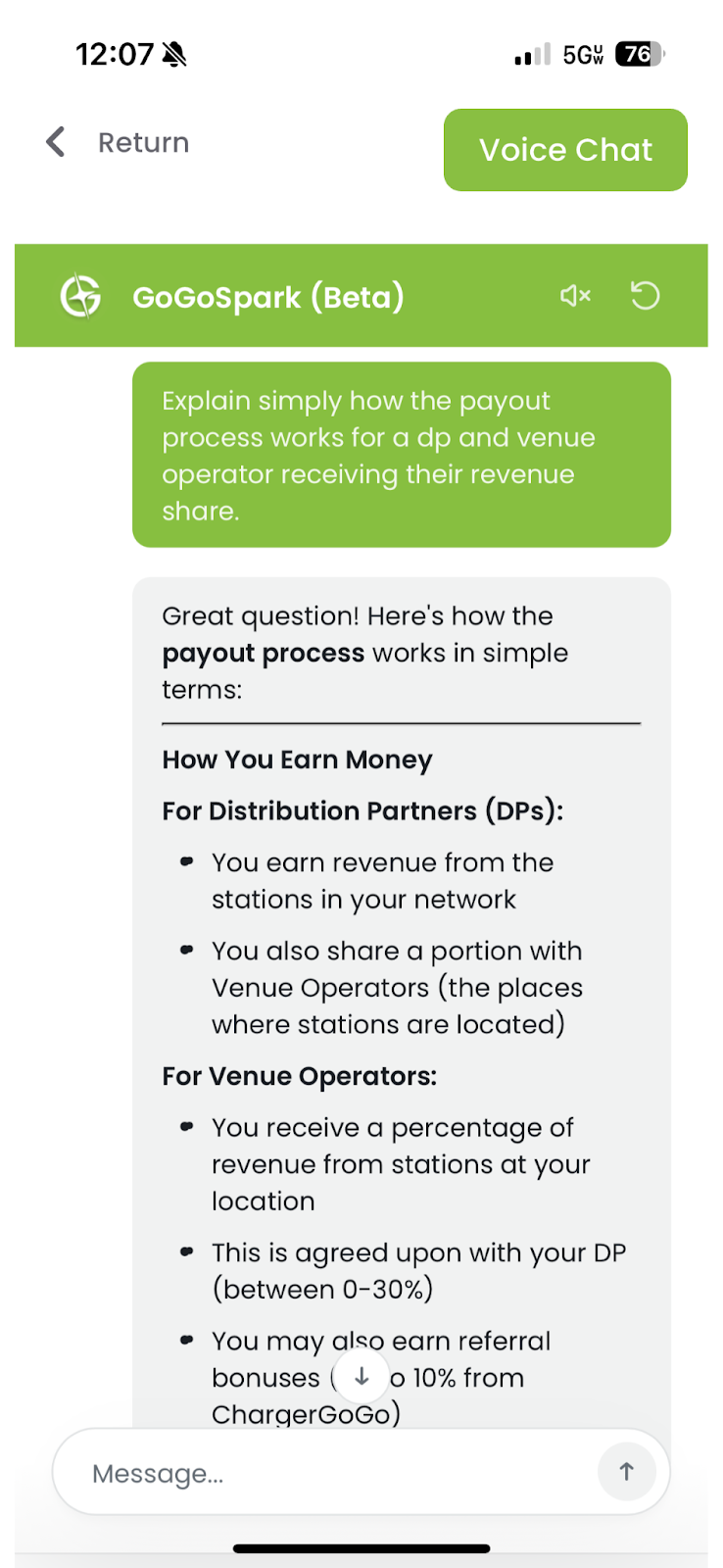
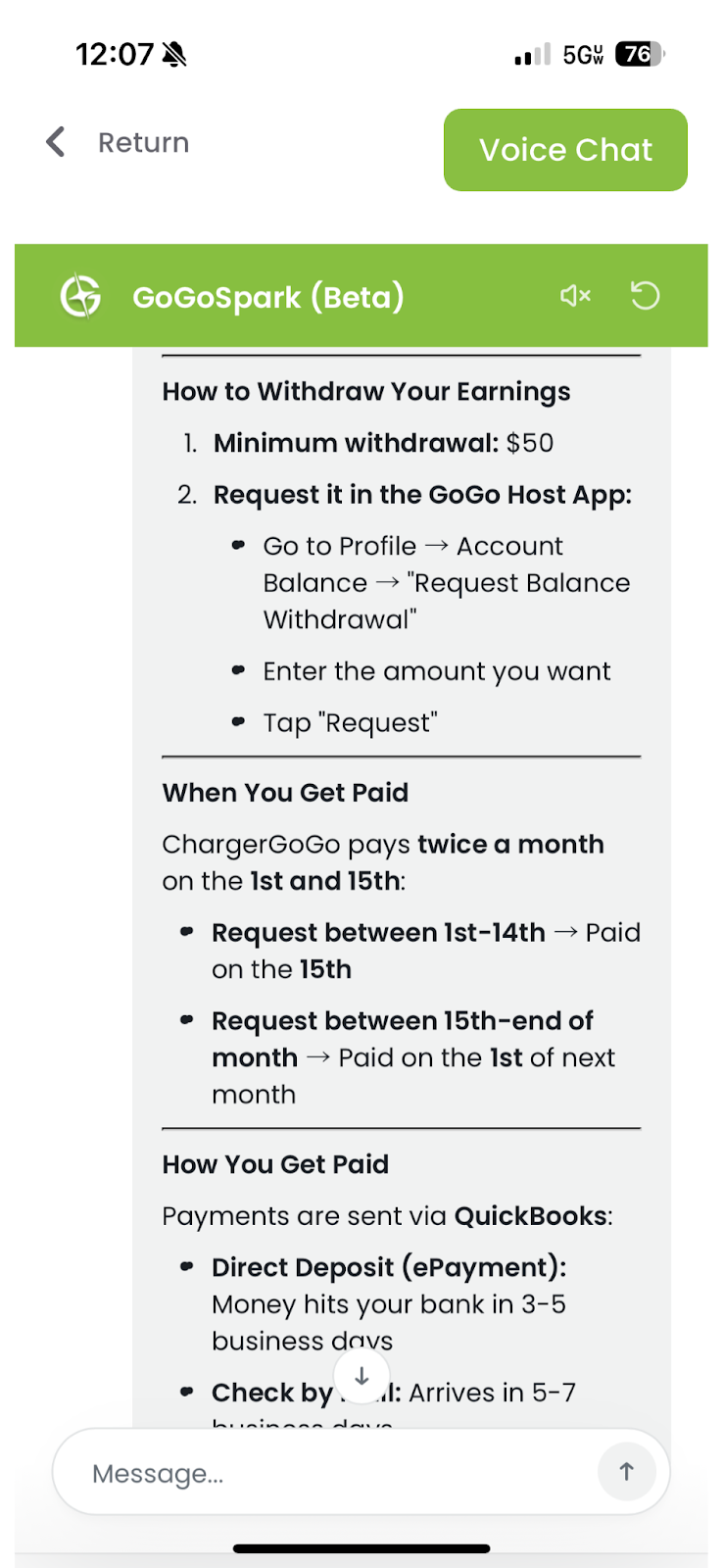
Payout questions should include your DP setup.
Include:
- Your DP plan (if known)
- Whether the question is about venue payouts or DP payouts
- Timeframe (weekly, monthly)
Example:
“Explain how payouts work for a DP and how venues receive their share. Keep it simple.”
8. Set Constraints on the Answer
If you need a specific format, say so.
Examples:
- “Explain in simple language.”
- “Give me talking points”
- “Bullet points only”
- “Short explanation I can copy and paste”
This helps GoGoSpark give usable responses.
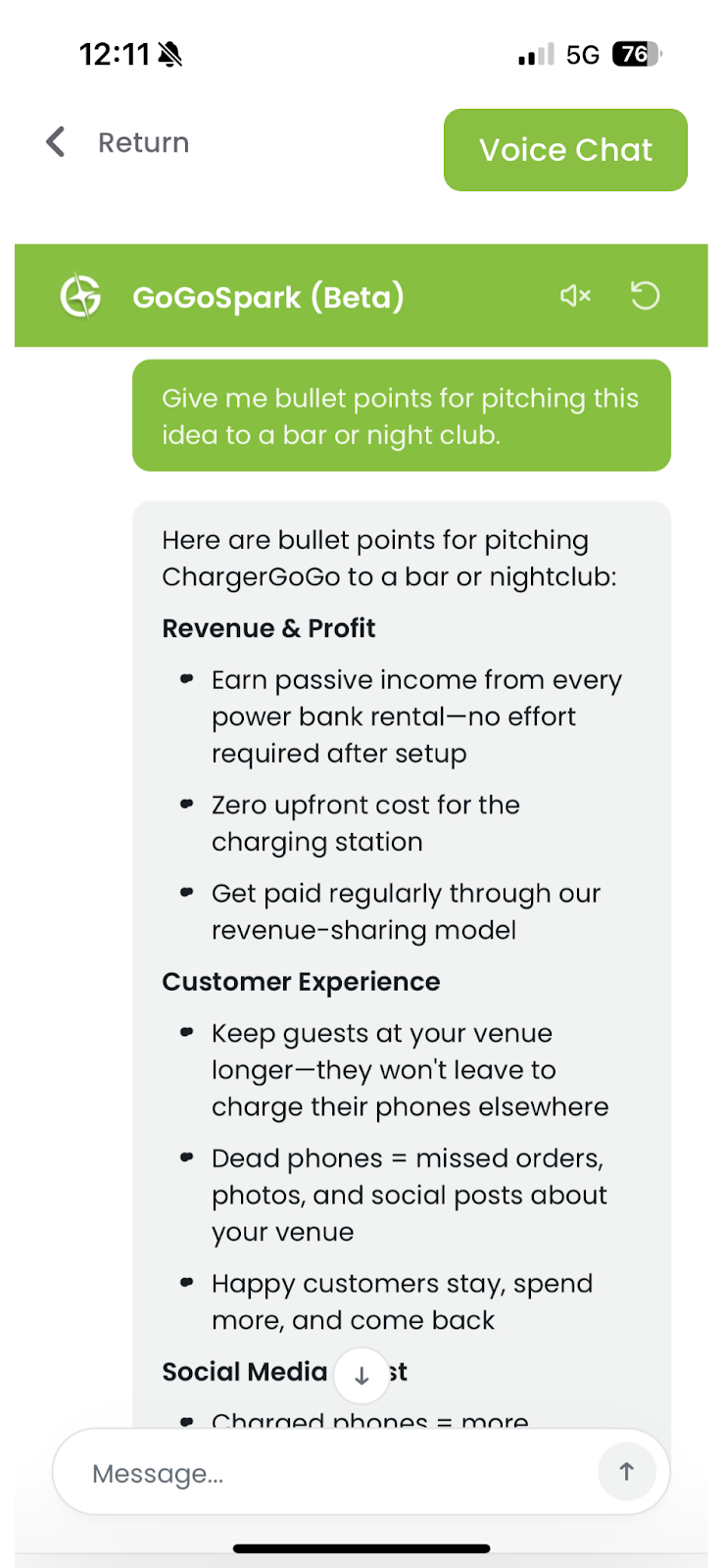
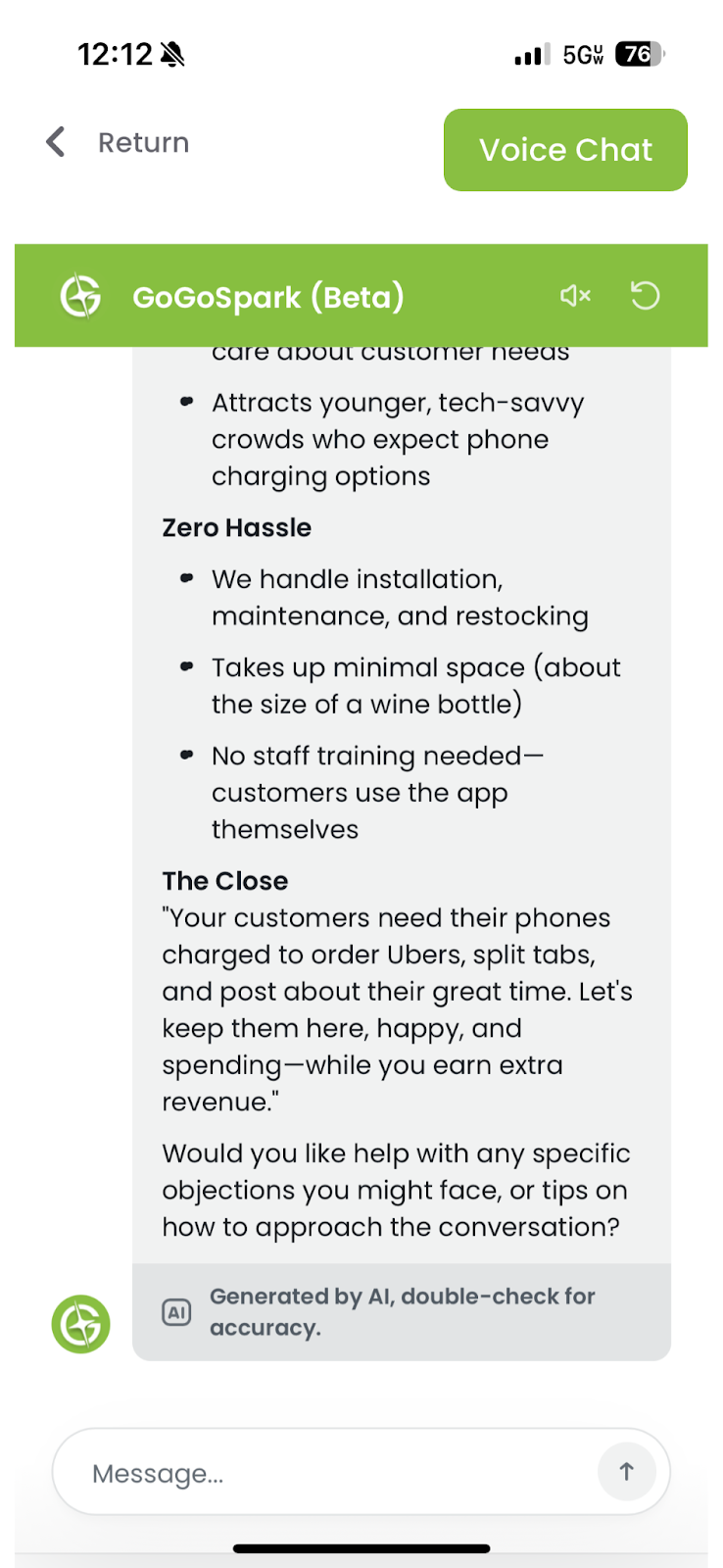
9. Improve the Answer with Follow-Ups
If the first response isn’t perfect, refine it.
Useful follow-ups:
- “Make this shorter.”
- “Explain this like I’m talking to a venue owner."
- “Remove technical terms”
- “Make it more persuasive but not salesy.”
GoGoSpark is designed for iteration.
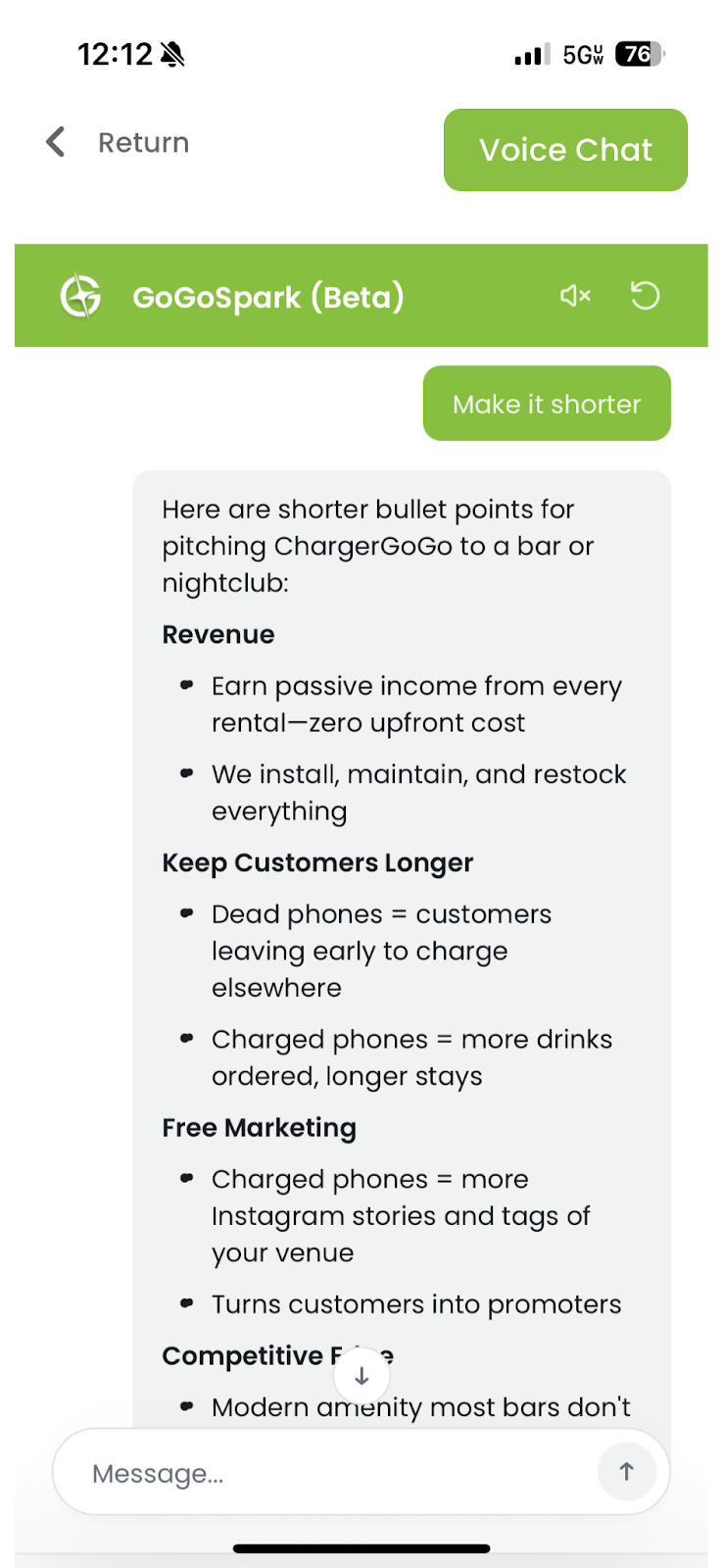
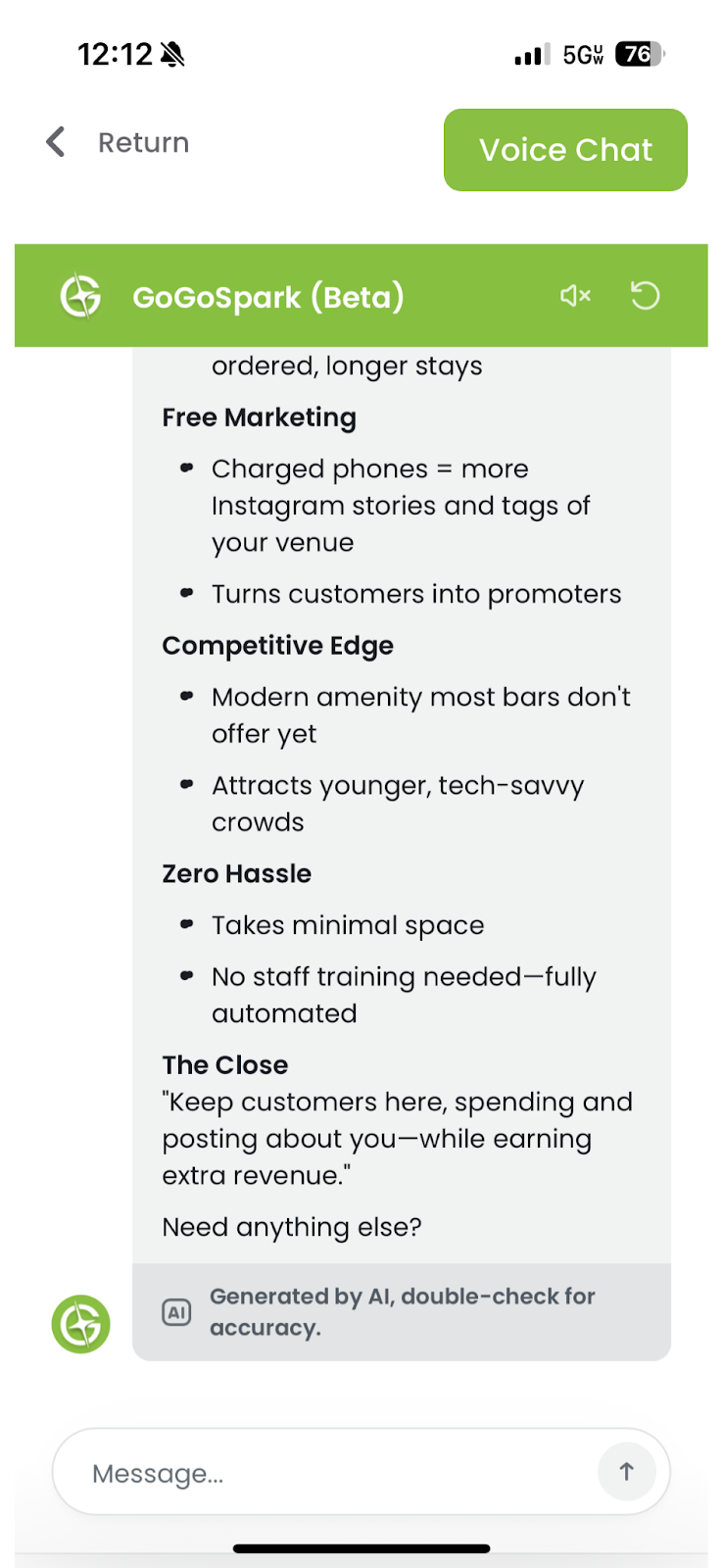
10. If the Answer Feels Off, Add More Detail
Most issues come from missing information.
Before retrying, ask:
- Did I explain the situation clearly?
- Did I mention who the answer is for?
- Did I describe the problem accurately?
Better input = better output.