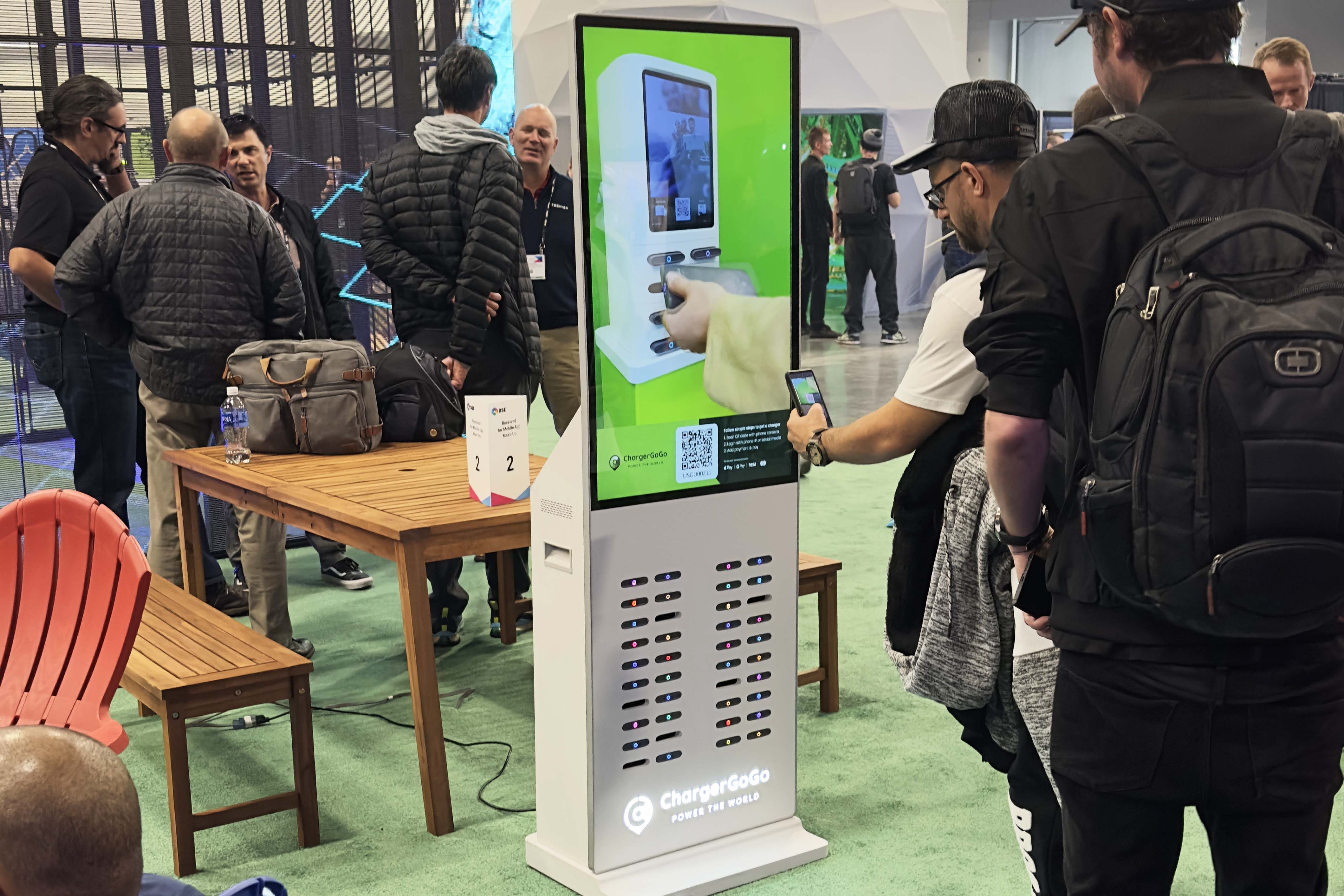
Grab & Go


Follow Simple Steps to Get Charged
Charging your phone with ChargerGoGo is as easy as 1-2-3
Scan QR Code
Use your phone camera to scan the QR code on the charging station. Login to pick up a charger.
.png)
Pay & Grab
Once you pay, one fully-charged battery will release from the station for you to take.
.png)
Easy Return
Search for return location in the app, and return to any ChargerGoGo station near you.
.png)
A Power Bank Built for Grab & Go
Like having it around? The Gen 2 battery is available for purchase, so you can keep one for good instead of returning it.
A rechargeable Li-polymer pack with a steady 5V⎓2A output, sized to bring a low phone back to full.
USB-C on the left, Lightning on the right. Charge Android or iPhone without hunting for a cable.
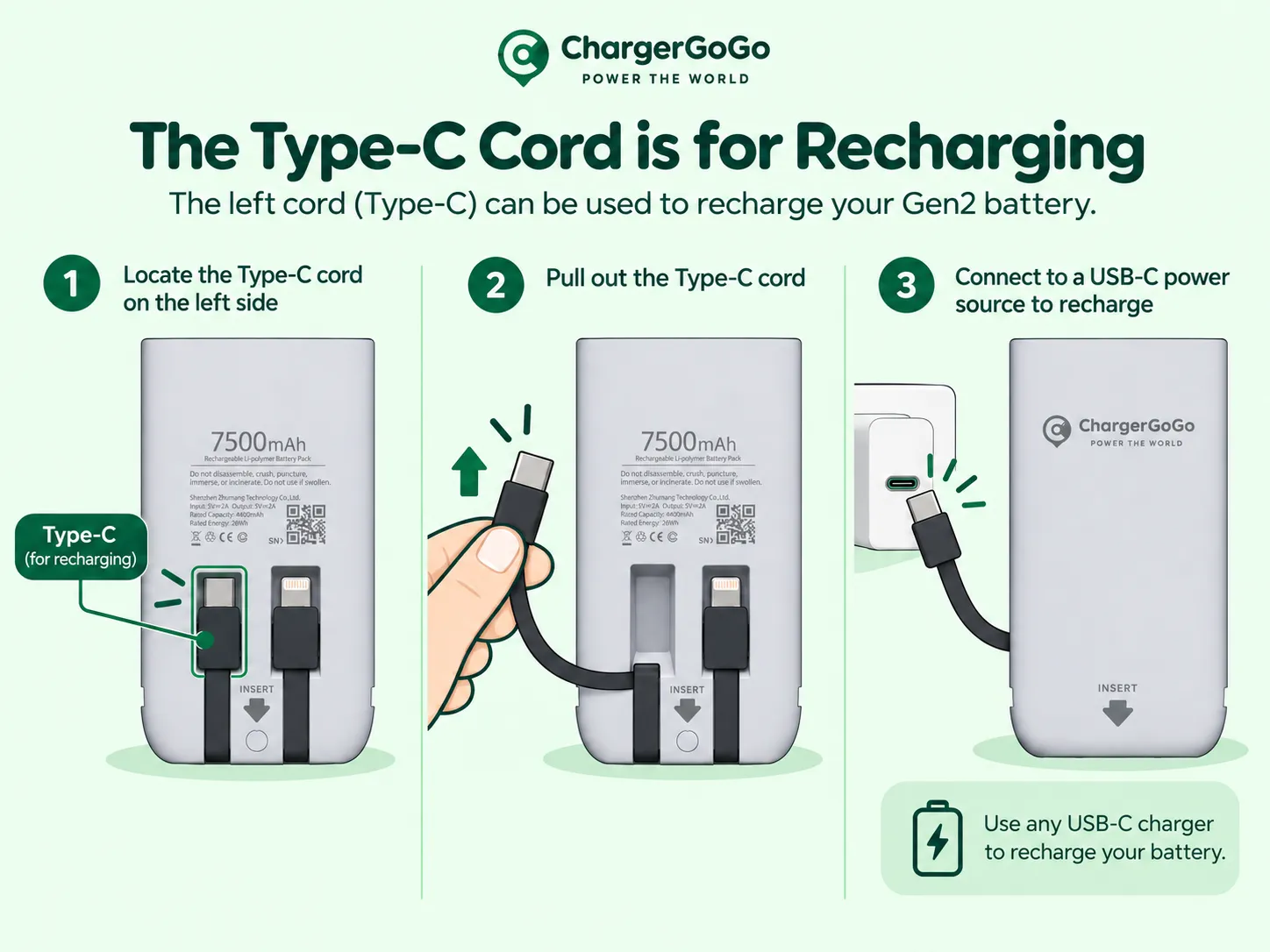
The left USB-C cord doubles as the charging input. Plug it into any USB-C charger to top the battery back up.
How to recharge your Gen 2 battery
Turn the battery over. The USB-C cord sits in the left slot, next to the Lightning cord.
Lift the connector and the flat cord releases from its slot.
Plug it into a USB-C wall adapter, laptop port, or car charger. When you are done, tuck the cord back in.
Don’t Just Take Our Word for It